
Making a custom rhinestone transfer used to mean handing an Illustrator file to a stone-placement studio and waiting a week for a digital proof. Today the design step runs in your browser — you upload artwork, pick the SS stone size, choose from a 32-color library, and watch the design come up live on a t-shirt mockup before you commit. This guide walks through every step of the process: from the first artwork upload, through stone grade and finish selection, to the heat-press settings that bond the finished transfer to the garment. If you are new to rhinestone programs start here; if you are sizing an existing design, jump to the rhinestone sizes chart. For the wider decoration context, a heat press is the machine that does the bonding — everything below happens inside one.
01Step 1 — Upload Your Artwork or Start from a Template
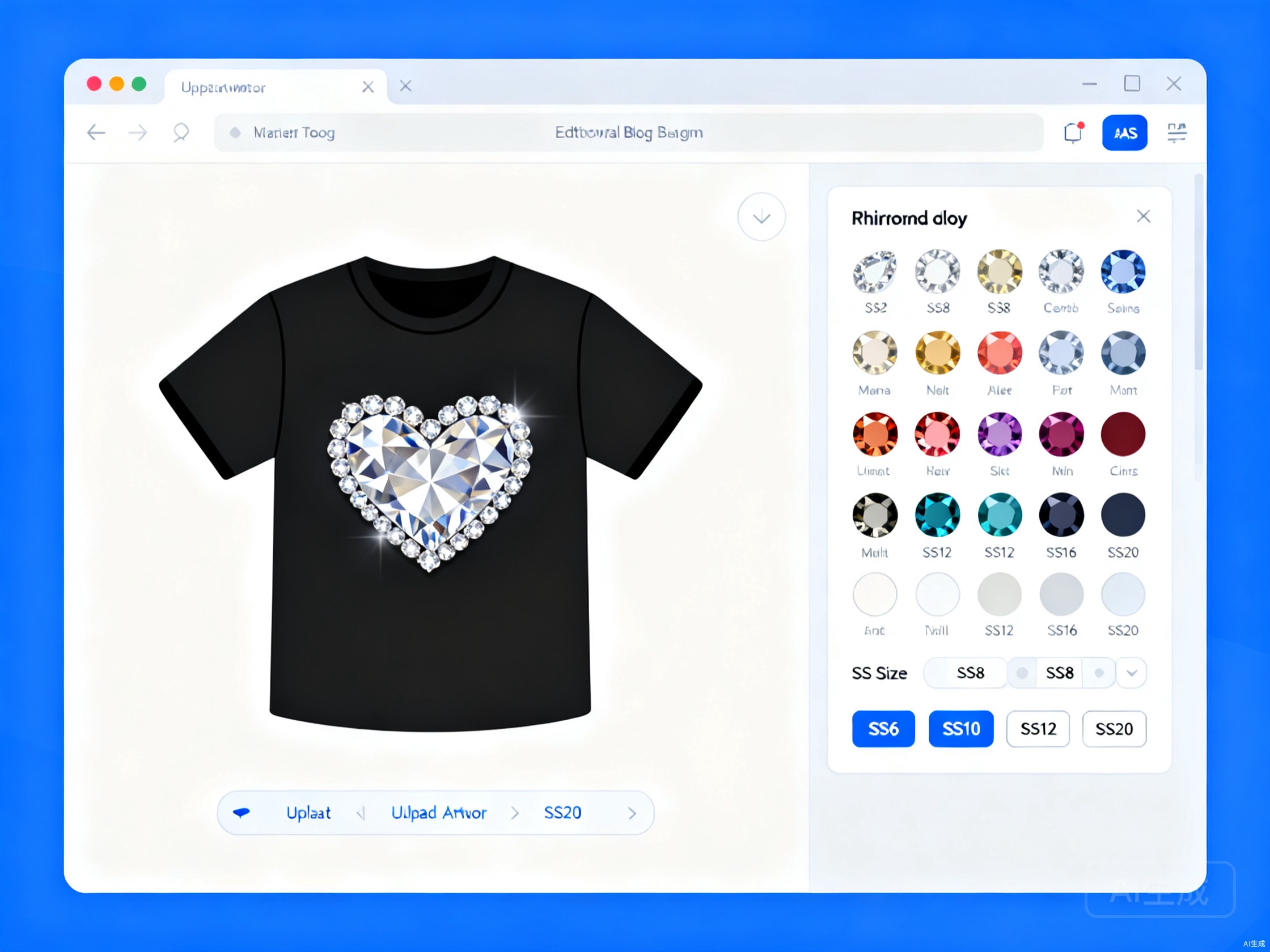
Every custom rhinestone transfer starts with the design. The fastest path is to upload a vector file (AI, EPS, SVG, or a vector-source PDF). Vector artwork lets the design tool scale your logo to any size without quality loss and place stones along mathematically clean edges. If you only have a raster file (PNG, JPG), most tools can still process it at 300 dpi or higher; anything below 150 dpi will look pixelated at the stone-placement stage and is worth redrawing before you order.
If you don't have artwork yet, most rhinestone design tools — including ours — ship with a library of editable templates: hearts, stars, letters, numbers, mascots, monograms, flames, wings, and standard shapes. Pick a template, recolor it, and you're effectively designing without a vector file. The free online design tool is linked from our rhinestone heat transfers page; no account or install is required to start a design.
02Step 2 — Set the Design Size and Stone Spacing
Once the artwork is in, the next decision is the design size on the garment. The two most common placements are center-chest (typically 3 to 5 inches / 7.5 to 12.5 cm wide) and full back (typically 9 to 12 inches / 23 to 30 cm wide). Set the width in inches or centimetres; the design tool will lock the aspect ratio and recompute the height automatically. Always size to the garment and the viewing distance — a 4-inch chest logo is read at arm's length and wants a different stone size than a 10-inch back panel read from across a room.
Stone spacing — the gap between individual stones — is the second decision. Tight spacing gives a denser, more solid look with stronger sparkle; wider spacing reads as more individual stones and works for fine-line art or letterforms. The default in most design tools is a tight, even spacing; loosen it slightly for lettering and fine details to keep the shapes readable. If you are not sure how a given design size and stone size interact, work through the rhinestone SS size chart before you settle on a specification.
03Step 3 — Choose SS Size, Stone Grade, and Finish
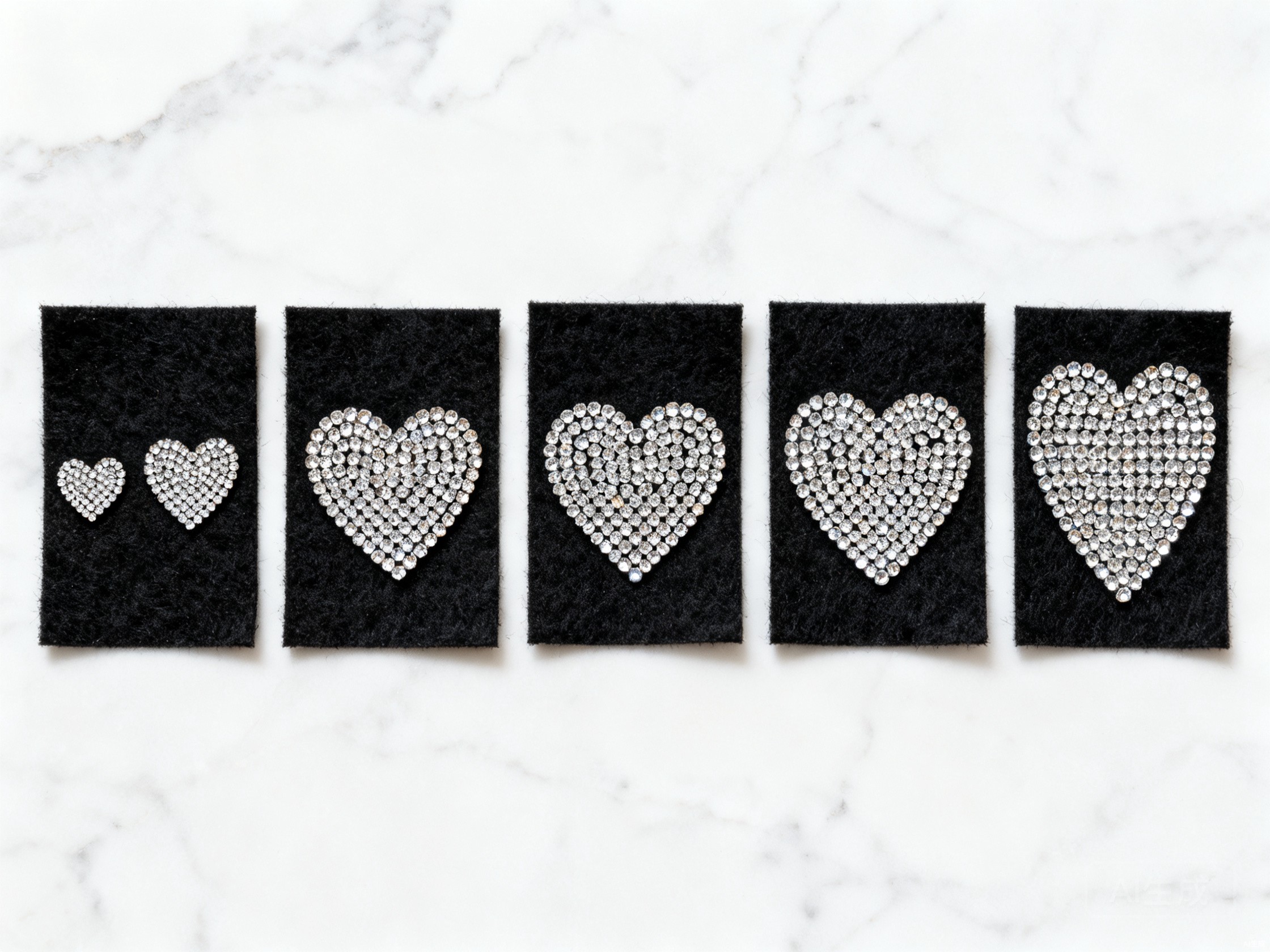
Three selection layers drive the look and the cost. SS size is the silhouette of the design: SS6 for ultra-fine detail, SS10 for balanced logos, SS16 for bold statements, SS20 for focal points. Stone grade determines the sparkle: China A-grade for sportswear and teamwear at production pricing, China B-grade for budget programs on kidswear and promos, premium imported crystal for high-end fashion. The AB (Aurora Borealis) finish is an iridescent coating that shifts colour in the light — it is the most common upgrade on fashion and cheer programs and the price impact is modest relative to the visual difference.
For full sizing, application, and grade guidance see the rhinestone sizes chart and the rhinestone heat transfers family page. The short rule: SS10 China A-grade AB is the cost-effective workhorse for most programs, and SS16 premium AB is the high end for dance and runway.
04Step 4 — Preview on a Garment Mockup and Adjust Colors
Before you place the order, preview the design on a t-shirt (or any garment color) in the design tool. The mockup shows the design at scale on the actual fabric color you will be pressing onto — light-on-dark and dark-on-light read very differently, and the same color stone looks brighter on a black tee than on a heather grey. Use the 32-color library to swap colors in and out until the design matches the brand palette; if the design needs a color we don't stock, our stone library is supplemented by special-order colors at MOQ 1,000 pieces per design.
This is also the moment to confirm the placement. Center-chest is the default, but a left-chest or full-back placement is a one-click change in the tool. For unusual placements (sleeve, hem, yoke) talk to us before sampling — some placements need a different adhesive grade to survive repeat wash cycles. If the design is multi-color, the multi-color rhinestone transfers page explains how we handle color separation across the stone matrix.
05Step 5 — Submit the Design and Approve the Proof
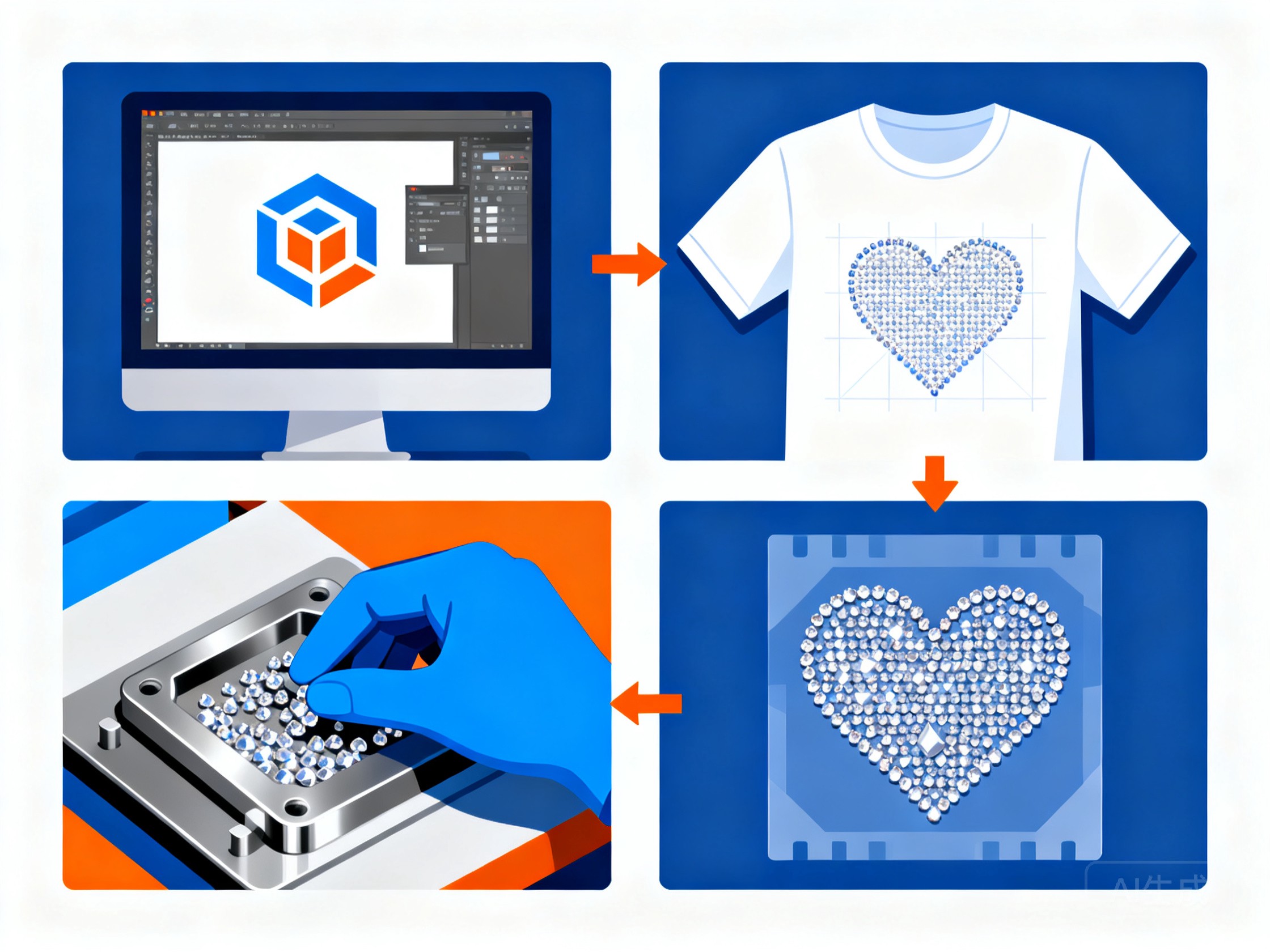
Once the preview is right, submit the design through the tool. Our studio receives a production file with the SS size, grade, finish, color list, dimensions, and artwork vector. Within one business day we send back a digital proof showing the stone layout on the same garment color, with a stone count and per-piece quote. Approve the proof (or request changes — color swaps and size changes are free at this stage) and we move to production sampling if your program needs physical approval, or straight to bulk if you are re-ordering an approved spec.
06Step 6 — Production, QC, and Delivery
Production runs on the same line that produced the approved sample, in the same facility, with in-process QC at the stone-placement and adhesive-coat stages. Every production order ships with a recommended heat-press settings card tuned to your fabric, technology and program — most iron-on rhinestone transfers apply at 165 °C (330 °F) for 15 seconds at medium pressure, but the exact card is matched to your fabric during sampling. For full press parameters across every transfer material we produce, see the heat press temperature & time chart.
Standard lead times are 5–10 business days for samples and 10–20 business days for bulk, depending on quantity and the stone grade. Repeat orders run on the locked specification with no re-sampling required, which is why most of our garment-manufacturer customers specify a program once and reorder on the same file for seasons. When you need a different application method — for retail embellishment or stones larger than the transfer matrix allows — hot-fix rhinestone is the alternative.
07What File Format and Resolution Do You Need?
Vector source is always preferred: AI, EPS, SVG, or a PDF exported from a vector source. For raster artwork, supply PNG or PSD at 300 dpi or higher at the actual final transfer size. Photographs and gradients cannot be reproduced as rhinestone (the technology is fundamentally a stone-placement medium) but vector logos, line art, lettering, monograms, mascots and most graphic logos convert cleanly. If your file is below the resolution bar, send what you have — we will tell you in the artwork review whether it can run as-is or needs a redraw. For a full file-prep guide see artwork guidelines.
08Common Mistakes to Avoid on Your First Order
- Specifying the size in conversation, not in the file — the file should name the SS size in millimetres (e.g. 2.7 mm = SS10) on the production layer; a verbal 'SS10' in an email is easy to misread and the studio will default to SS12 if the file is ambiguous
- Choosing a size too large for the letterforms — fine-script fonts with thin strokes lose readability at SS16 and above; either increase the artwork size or drop to SS12 or SS10
- Ignoring fabric stretch — SS16 and larger on a stretch placement (leggings, performance tees, dance leotards) will lose stones under repeated stretch; either drop to SS10 / SS12 or use a stretch-tolerant matrix
- Forgetting to spec the AB finish explicitly — AB is an additional finish on top of the base stone; if you want AB, say so; if you don't, the order will run as crystal clear
- Skipping the fabric compatibility check — cotton, polyester and stretch knits all take rhinestone transfers, but the adhesive grade, press temperature, and stretch tolerance differ; see fabric compatibility before you sample on a new substrate
09Sample First, Then Bulk — The Fastest Path to a Confident Order
Once you have an SS size and grade in mind, the fastest path to a confident bulk order is a 5-piece sample on the actual fabric. Send us the artwork file, the target fabric spec, the SS size in millimetres on the production layer, and the stone grade / finish. We produce the sample, ship it to you, and lock the specification for the bulk run. The same program can be re-quoted in a different size at no tooling cost if the first sample is not the right look — which is why we recommend sampling on the actual garment before committing to 1,000+ pieces. If you are still deciding between sizes, send two artwork versions and we will sample both; the cost difference is small and the visual answer is worth the few extra days.
One thing that trips up first-time buyers on the retail side is the care instruction. A rhinestone transfer changes how a garment should be washed, and in the US the care instruction itself is a regulated claim — the FTC's Care Labeling Rule requires that whatever you print is truthful and substantiated. We will supply the tested care guidance for your transfer so the label on your hangtag matches what the decoration actually survives.
10Where to Start
- Open the free online rhinestone design tool and start a design — no account required
- Need a stone size reference? See the rhinestone sizes chart for SS6 to SS34 in millimetres and recommended application
- Working on a stretch placement? Read fabric compatibility before sampling on performance knits or spandex
- Ready to sample? Send the artwork, target fabric, SS size, and grade / finish on our quote request and we will come back with a 5-piece sample price within 24 hours