
Heat press temperature and time is the single most common question we receive after a buyer receives a new transfer — the artwork is right, the fabric is right, but the press on the production line is set to a different temperature or dwell time and the transfer under-bonds, scorches, or lifts in the first wash. This guide gives you the exact heat press settings for every transfer material we produce, explains how to calibrate your press, and shows the most common mistakes we see on real production lines. If you are new to garment decoration, start with our heat transfer guide for context on the technology families before using the chart below.
01Why Temperature, Time and Pressure All Matter
A heat transfer bonds to fabric in three dimensions at once — temperature activates the adhesive, dwell time transfers heat through the transfer and into the fabric, and pressure ensures full contact across every contour of the artwork. If any one of the three is wrong, the transfer fails in a predictable way: under-temperature or short time produces a transfer that peels in the first wash; over-temperature or long time scorches the fabric and browns light colors; low pressure produces air pockets and edge lift. The settings below are starting points — every press behaves slightly differently, so always run a five-piece test before a production run, and verify the result with a wash test on the actual garment.
Different transfer technologies also have different sensitivities. Silicone transfers are the most forgiving and tolerate a wider temperature window; reflective transfers are sensitive to over-temperature because the glass-bead layer degrades; rhinestone transfers are essentially glue-bonded and respond more to pressure than temperature; specialty technologies such as 3D silicone foam or luminous transfers have their own narrow windows. Our technology pages document the recommended settings per family — see silicone heat transfers, reflective heat transfers, rhinestone heat transfers, and DTF heat transfers for material-specific guidance.
02The Complete Chart by Material
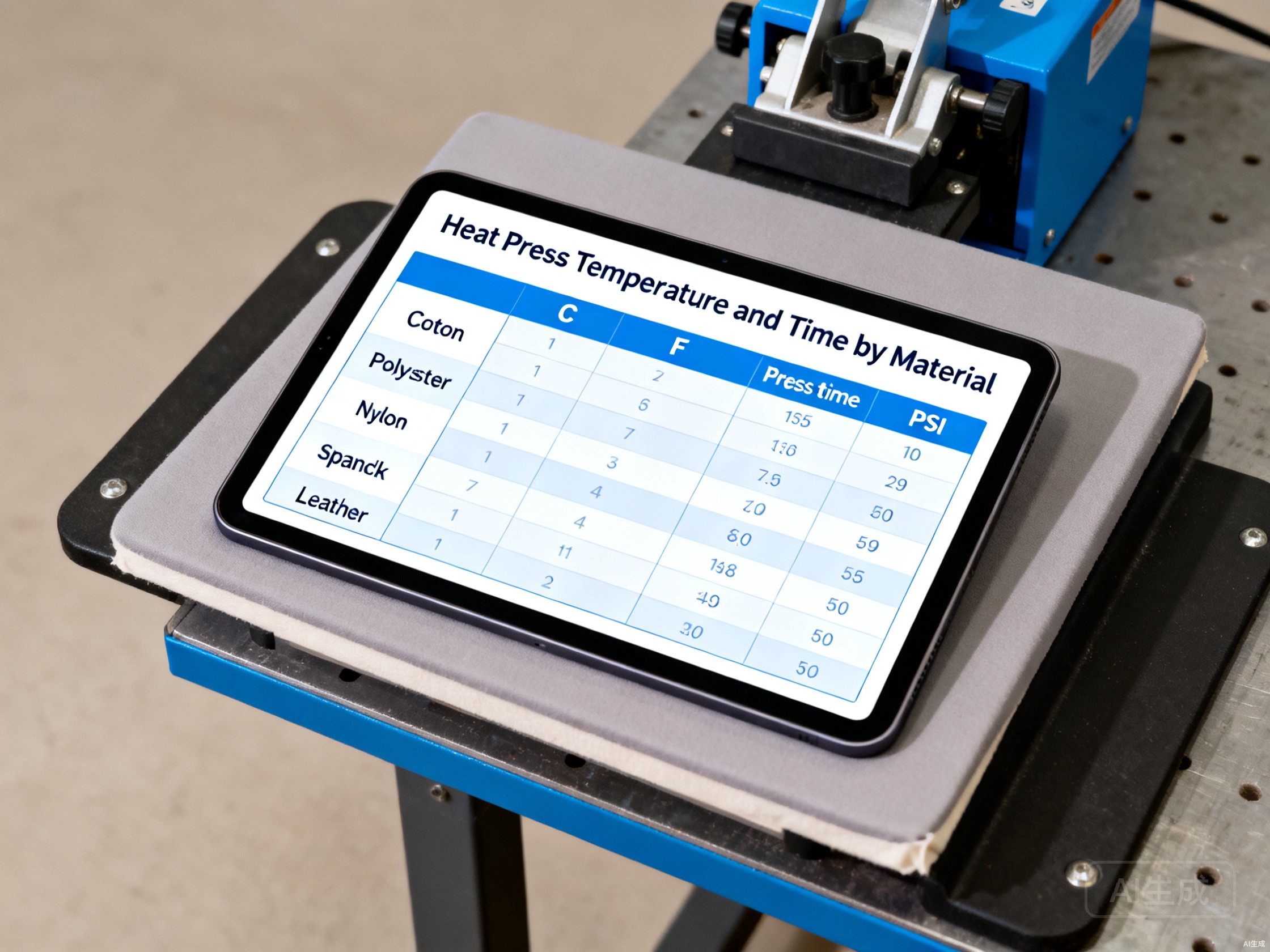
The chart below covers the fabrics our buyers apply transfers to most often: 100% cotton, 100% polyester, poly-cotton blends, nylon, spandex / elastane blends, leather and performance moisture-wicking knits. Use it as a starting point for any new program — then validate with a 5-piece wash-tested sample on the actual fabric.
- Cotton (100%): 160 °C (320 °F), 15 seconds, medium pressure (~40 PSI / 2.8 bar)
- Polyester (100%): 150 °C (302 °F), 12 seconds, medium pressure (~40 PSI / 2.8 bar) — see also dye migration prevention on polyester
- Poly-Cotton blend (50/50): 155 °C (311 °F), 14 seconds, medium pressure (~40 PSI / 2.8 bar)
- Nylon: 140 °C (284 °F), 10 seconds, light-to-medium pressure (~30 PSI / 2.1 bar)
- Spandex / Elastane blend: 145 °C (293 °F), 12 seconds, medium pressure with stretch-recovery check
- Performance knit (moisture-wicking polyester): 145 °C (293 °F), 12 seconds, medium pressure
- Leather (genuine, vegetable-tanned): 150 °C (302 °F), 15 seconds, heavy pressure (~60 PSI / 4.1 bar)
- PU heat transfers on cotton: 150 °C (302 °F), 12 seconds, medium pressure — see silicone vs PU for hand feel and durability differences
03How to Calibrate Your Heat Press
Most production defects blamed on a 'bad transfer' are actually a mis-calibrated press. Calibration is a four-step routine you should run weekly, and any time you change the room (temperature and humidity both affect adhesive behavior), the platen cover (a worn cover changes effective pressure), or the transfer family you are running.
- Step 1 — Temperature: place a calibrated thermocouple on the lower platen, close the press, and let it dwell for the rated time. The platen temperature at dwell should match the dial within ±3 °C. If it drifts more, the press has a controller or thermocouple issue — do not adjust transfer settings to compensate, fix the press.
- Step 2 — Pressure: use a pressure gauge (or a stack of 1 mm lead sheets) to confirm the press is delivering the PSI shown on its gauge. Pressure gauges drift, especially on pneumatic presses, and a 10 PSI drift can change the result on spandex or leather.
- Step 3 — Evenness: run a full-coverage test transfer on a wide swatch. Look for hot spots (darker areas) and cold spots (lifted corners). Uneven platen temperature is the most common cause of inconsistent results across a production run.
- Step 4 — Dwell-time verification: use a stopwatch. Operators routinely over-press by 3–5 seconds because they start counting when they close the press instead of when the press reaches full pressure. The difference is enough to scorch silicone on polyester.
04Common Mistakes on Production Lines
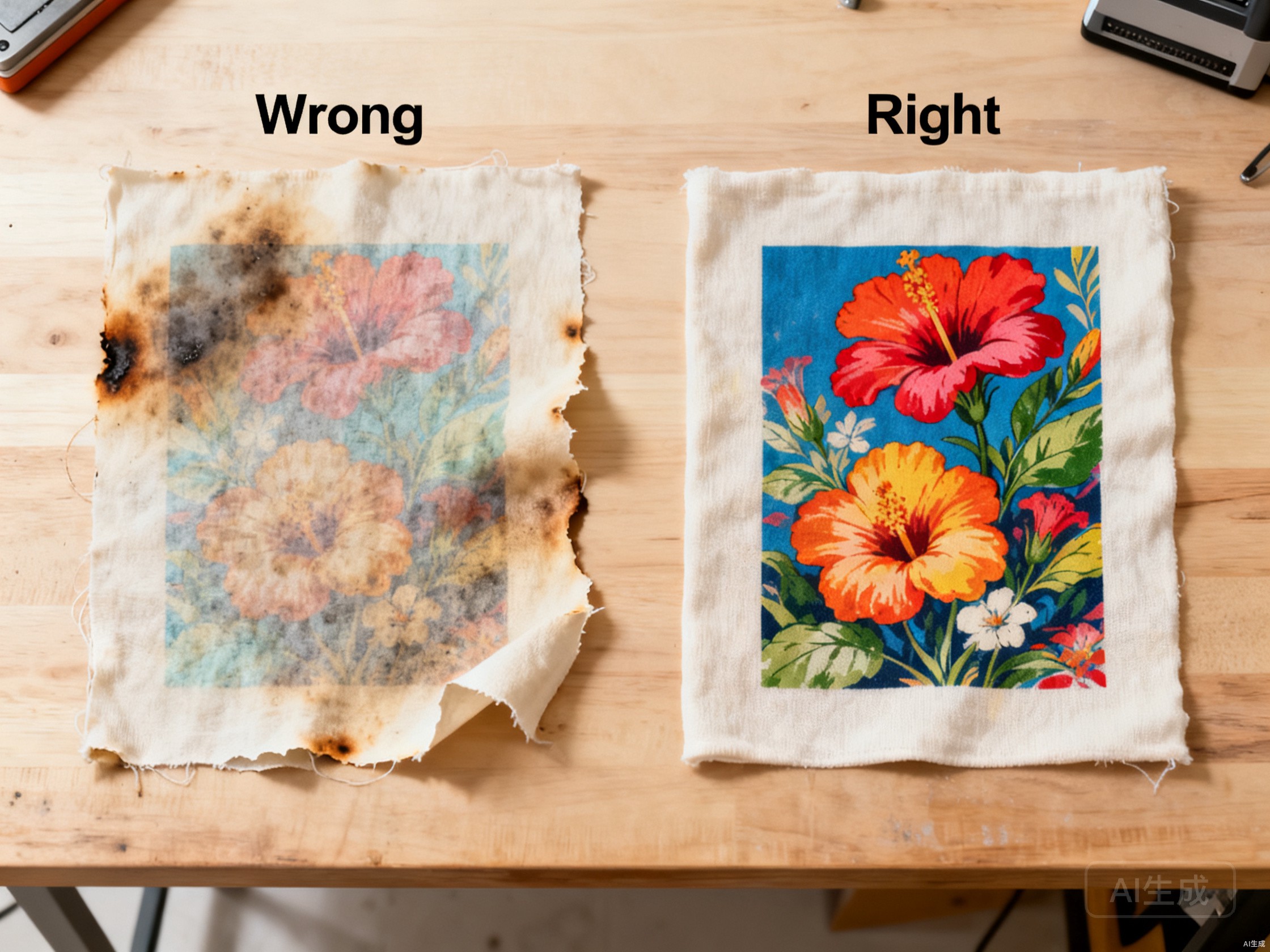
The most common mistakes we see on real production lines — across silicone, PU, rhinestone and reflective programs — fall into three categories: temperature drift, dwell-time drift and pressure drift. The visual below shows the result of a typical wrong/right test: the left fabric was pressed at 180 °C for 25 seconds with light pressure (operator mis-set the press); the right fabric was pressed at the correct 155 °C for 14 seconds at 40 PSI on the same transfer.
If you are seeing any of these defects on your line, the fix is almost always in the press settings, not the transfer:
- Scorched fabric or browned light colors → temperature too high, or dwell time too long (most common on cotton and light-color PU transfers)
- Transfer lifts in the first wash → temperature too low, dwell time too short, or pressure too light (most common on nylon and performance knits)
- Sticky carrier film that won't release → press is under-temperature or the transfer is the wrong type for the fabric (see fabric compatibility guide)
- Glossy or 'shiny' appearance where the sample was matte → over-temperature has partially re-melted the adhesive layer
- Edge lift on detailed areas → pressure too low, or the platen is uneven — run the calibration routine above
05Choosing the Right Transfer for Your Fabric
Settings alone will not save a transfer that is the wrong technology for the fabric. Cotton accepts almost every technology; polyester needs dye-migration-safe systems; nylon and stretch knits need flexible constructions. If you are specifying a new program, the most common starting point is silicone for performance apparel and sportswear, PU for cost-sensitive branding on cotton and poly-cotton, reflective for safety and visibility programs, and DTF for full-color photographic artwork. For an overview, see our heat transfer guide and the silicone vs PU comparison. For sourcing questions (MOQ, sampling, lead time), see sourcing custom heat transfers from China.
06Get Settings Specific to Your Program
Every transfer we ship ships with a recommended settings card tuned to your fabric, technology and program. If the card is missing or you have changed fabric since the original order, send us the fabric spec and the transfer batch number and we will re-issue the recommended settings within one business day — usually same-day. For new programs, send us the artwork and a fabric swatch and we will produce a 5-piece sample with the correct settings locked in.